





PRO
Left shows clustered columns (3 series), right presents a 100% stacked area chart. Vertical comparison on left, proportional timeline on right.

PRO
Two vertical clustered column charts, with separate bars for each series in every category. Blue shades distinguish series.

PRO
Four balloon-like circular icons in a cross formation with embedded icons and title text. Decorative lines connect the quadrants.

PRO
Extended horizontal table with six columns and eight rows; consistent use of checkmarks/crosses for feature comparison; each column uses different color tones.

PRO
Full-width stacked area chart across a timeline from Q1 2019 to Q4 2021. Clean layout with labeled segments and soft color transitions.

PRO
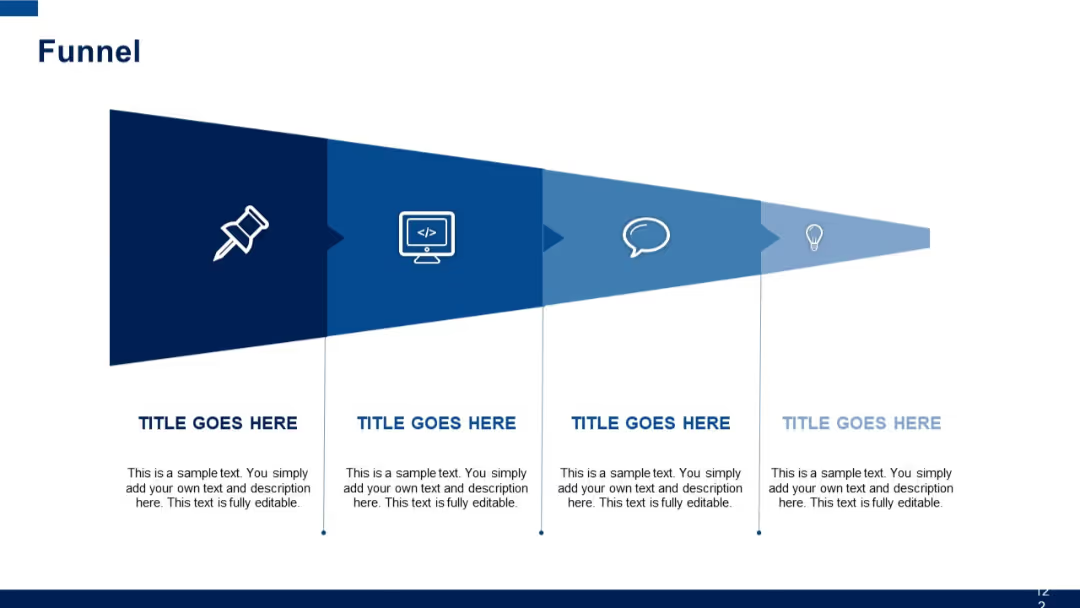
Flat layout with four vertical chevrons indicating direction across equal sections, each with a title and content area.

PRO
Minimalist design with a large section title and a thin red divider line across a light gradient background.

PRO
A three-column layout with a purple left sidebar (icon and text), and two main content areas in white and gray, each containing bulleted list placeholders.

PRO
Simple table with rows and columns containing “Insert Text Here” placeholders. Visual is based on checkmarks and crosses.

PRO
Left-aligned gear-shaped icons with numbers and titles followed by short descriptions in a vertical list.

PRO
Matrix layout with two vertical blocks on the left, and a six-column horizontal table with rounded green headers at the top; empty cells for future data insertion.

PRO
Horizontal bar chart with four categories; right-hand text box.

PRO
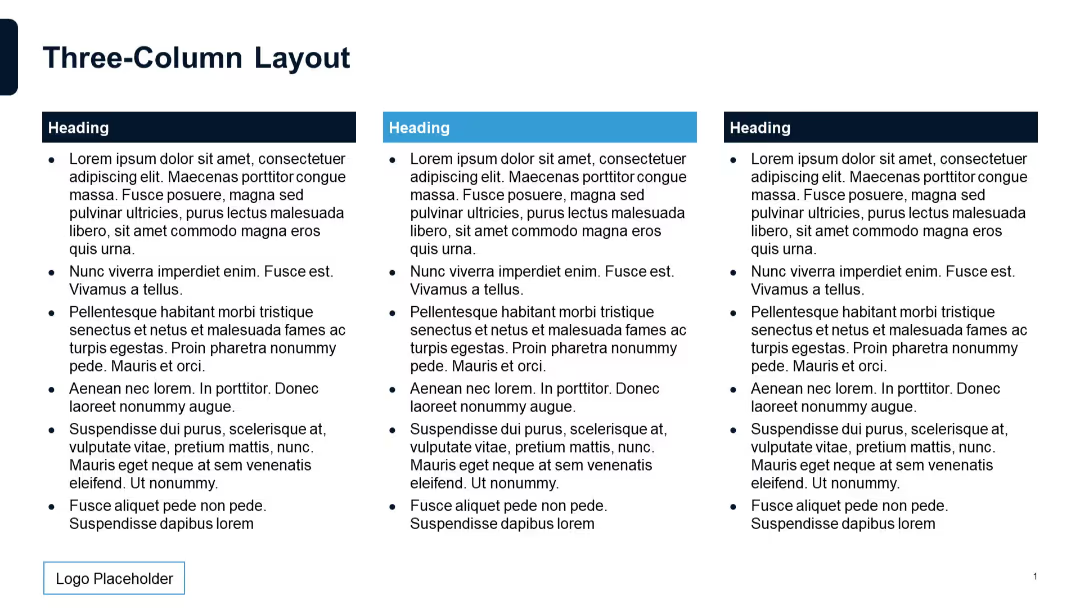
Three-column layout with numbered headers, titles, and colored content blocks.

PRO
Grid table with rows for tasks and three columns for 30, 60, and 90-day activities.

PRO
Horizontally oriented table with red top-row headers. The lower section has two wide rows with empty placeholder fields.

PRO
Four horizontal rows each with colored circular step numbers on the left and three content boxes in varying shades across.

PRO
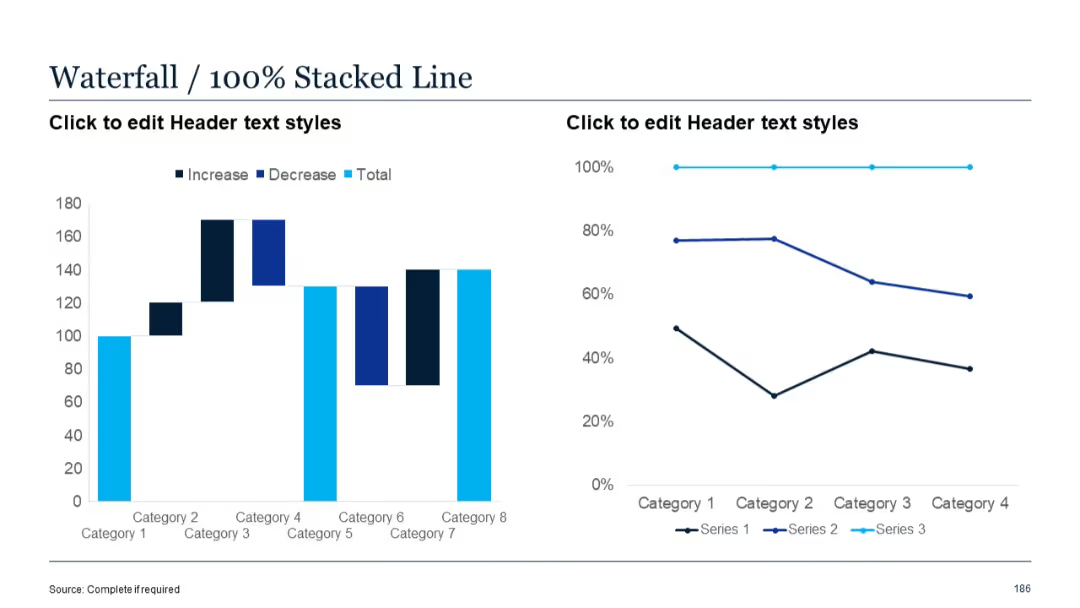
Left chart is a waterfall; right chart is a clustered column bar showing three data series for each category.

PRO
Simple circular diagram divided into 4 equal quadrants with labels placed on small circular nodes outside each quadrant. Dark blue background circle with white nodes.

PRO
Light background with centered title, circular expert portraits, and brief bios underneath.

PRO
Horizontal bar chart with three series per category, data labels on bars, and categories listed on the y-axis.

PRO
Two similar stacked area charts placed side-by-side. Clean layout with consistent date axes and legends for easy comparison.

PRO
Four-layered pyramid layout, each section labeled “25%” with aligned text to the right. Clean, minimal design with flat colors.

PRO
A 5-column comparison layout with one features column and four offering columns, all with checkmark/cross symbols and bottom call-to-action cells.

PRO
Stylized, minimalist Gantt chart using timeline dots and dual-colored horizontal lines mapped to months.

PRO
Horizontal table with checkmarks (green) and crosses (red) as indicators across columns. Designed for feature comparison or capability matrix.

PRO
Full-screen background image with white text box overlay and large green dot icon.

PRO
3D pyramid-style staircase with 5 colored layers labeled Step 1 to Step 5, text lines to the left for each step.

PRO
Table with 4 rows and 4 columns; left column has shaded title blocks; remaining cells are plain with text placeholders.

PRO
Left: map; Right: 100% stacked column chart, standard layout with percentage-based breakdowns across categories.

PRO
A ring of eight small circular nodes with red star icons, surrounding a central “HEADING” label. Text blocks are on both left and right sides.
