





PRO
A sldie with consistent icon placement and textual formatting.

PRO
Section divider slide with dark blue background and curved line pattern. Large text shows section number and title.

PRO
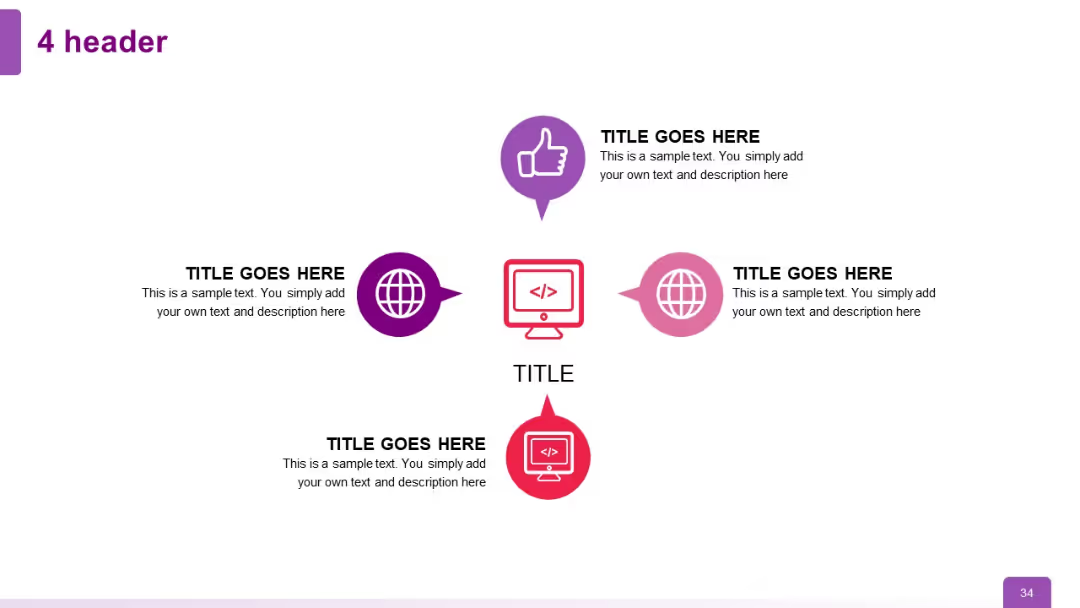
Four circle icons with device illustrations and corresponding text. Distributed across two rows in a grid format. Simple and minimal.

PRO
Choropleth world map shaded by data intensity; color gradient legend shown on the right.

PRO
Diagonal step-ladder layout with four L-shaped blocks stepping upward to the right. Each step has a title and description.

PRO
Two-column layout with icon and text block on the left and text area on the right.

PRO
A semi-circle with 6 evenly spaced segments containing icons and text placeholders. Gradient color scheme transitioning from purple to grey.

PRO
Light-themed version of a slide with typical structure and minor style adjustments for visual contrast.

PRO
Left pane includes icons with text, right pane displays a bar chart and highlighted section below.

PRO
Vertical list layout with three quote sections. Each has a speaker icon on the left followed by space for text and a thin horizontal line guiding the eye.

PRO
Another grid of line-style icons related to education, communication, and recognition displayed in rows.

PRO
White background grid layout filled with outlined vector icons in multiple rows, clean and minimalist with black thin-line icons.

PRO
A color-coded 4-column table with three left-side row headers in dark green, light green, and red. Right cells are empty with “Insert Text Here.”

PRO
Vertical stacked blocks with purple side labels and icon-enhanced title sections. Each block contains bullet points with indented subtext.

PRO
Simple white slide with title text at top and bulleted list with multiple levels of indentation. Footer includes “Source” and page number.

PRO
A 5-column, 3-row table layout. The first column has red-highlighted blocks for each row. Remaining columns are light with placeholder text.

PRO
Two-column layout, each with a bold title and two checklist items below. Each item has a check icon. Navy accents and clean separation enhance readability.

PRO
Curved arrow with five segments shaped like petals or fish scales. Icons embedded in each, leading right to left with increasing color contrast.

PRO
A five-part circular diagram with petal-like segments arranged around a central text circle. Each segment is uniformly sized and colored differently.

PRO
Simplified horizontal timeline with year ranges, key phrases, and supporting text; visually streamlined compared to Slide 19.

PRO
Left-to-right linear flowchart with four colored icon circles connected by arrows; text beneath each circle.

PRO
Three-column layout: left column has vertical icon-text pairs, center includes a bar chart, right holds placeholder text.

PRO
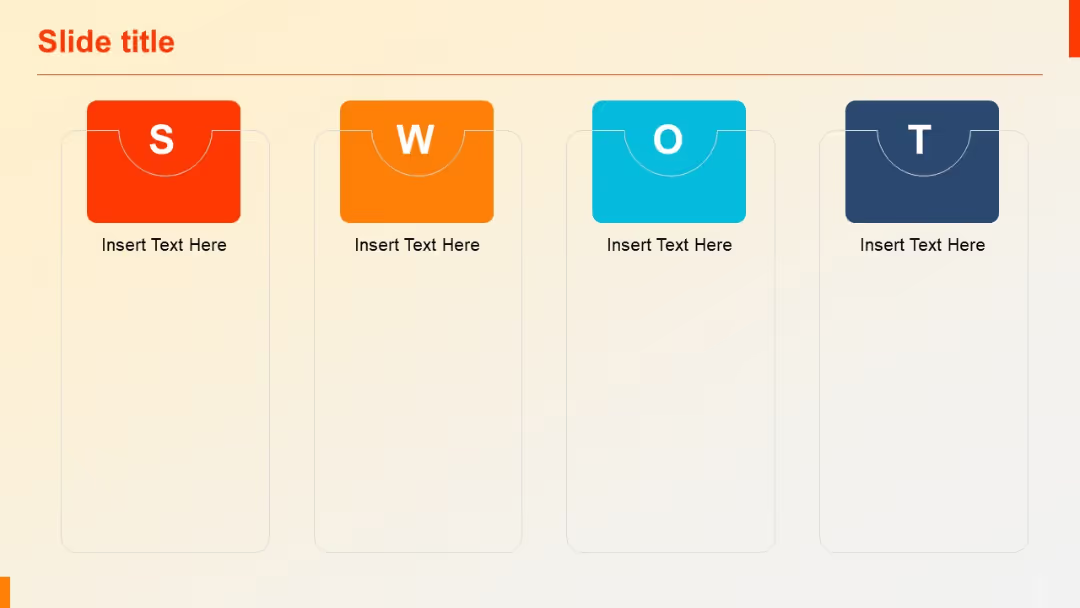
A horizontal four-column SWOT layout with bold headers and bulleted text under each section.

PRO
Triangular horizontal funnel with four sections, each containing an icon and text area below the funnel shape.

PRO
Vertical list with circular gear-like icons and numbering, aligned left. Each entry includes a title and subtitle.

PRO
Four vertically split teardrop-shaped segments numbered 1 to 4, each linked to a white drop-shaped text box below.

PRO
Grid layout with six cells (two columns, three rows), each pairing an icon on the left with bold header text and a paragraph. Icons vary (screen, thumbs-up, bulb), encircled with gradient rings.

PRO
Treemap chart with nested rectangles on left; text section on the right.

PRO
Clean vertical list with three horizontally stacked rows; each item features a number (01–03) and text aligned beside it in a minimalist style.

PRO
Dual visual layout: clustered column chart on the left and pie chart with up/down arrows on the right. A data table is placed at the bottom.
