





PRO
Extended version of Slide 29 with four rows; maintains the same column structure but adds more data entries for comparative analysis.

PRO
Petal-style SWOT layout with S, W, O, T in symmetrical floral design; white center circle.

PRO
Left: world map; Right: stacked column chart with three series per category.

PRO
Classic vertical funnel layout with five stages in distinct colors. Each stage has icons and editable text pointing outward to the right or left.

PRO
Stacked column chart on the left, clustered column chart on the right. Both compare three series across four categories.

PRO
Horizontal bar chart with six bars labeled “Logo”, showing comparative percentage values.

PRO
A grid-based table with alternating checkmarks and crosses; top row uses dark blue background for headers; two rows for data input.

PRO
Left-aligned image (pen and planner) with two title and text content boxes on the right side using subtle colored bars.

PRO
One-column layout with large bold headline and subheading followed by three paragraphs of body text. Text-heavy slide with a focus on storytelling. Consistent dark blue and black typography on white background.

PRO
2x4 grid layout combining colored title boxes and placeholders labeled "Image"; balanced alternation of image and text boxes across columns.

PRO
Stylized 6-part circular flow with alternating dark and light blue swirls. Each segment includes an icon and corresponding numeric label with text on either side.

PRO
Four horizontal bar charts arranged in columns, each with a title above and x-axis ranging from 0–100, with varying shades of orange and blue.

PRO
A six-column horizontal comparison table with alternating header colors; checkmarks and crosses used for quick visual comparison.

PRO
Three-column table layout repeated in three vertical sections. Each column has a "Title" header and rows with placeholder text entries labeled “Insert Text Here.”

PRO
Light-themed, block-style layout with two rows of three stages each, highlighting an expanded process.

PRO
Horizontal checklist with four steps, each represented by a circle number and a colored path leading to a checklist icon. An illustration of a clipboard with a pen is on the right.

PRO
Title slide with a modern diagonal design split between a white bottom half and a deep blue top half; includes a placeholder for the title.

PRO
Three-section semi-circle diagram with center label; icons (thumbs up, computer) in each arc segment; clean design with gradient colors.

PRO
Curved left-side blue section labeled “Title” with radial checklist lines extending to the right; circular checkmarks indicate completion.

PRO
Dense layout of icons representing people, finance, transactions, payments, and organizational roles in a thin-line icon style.

PRO
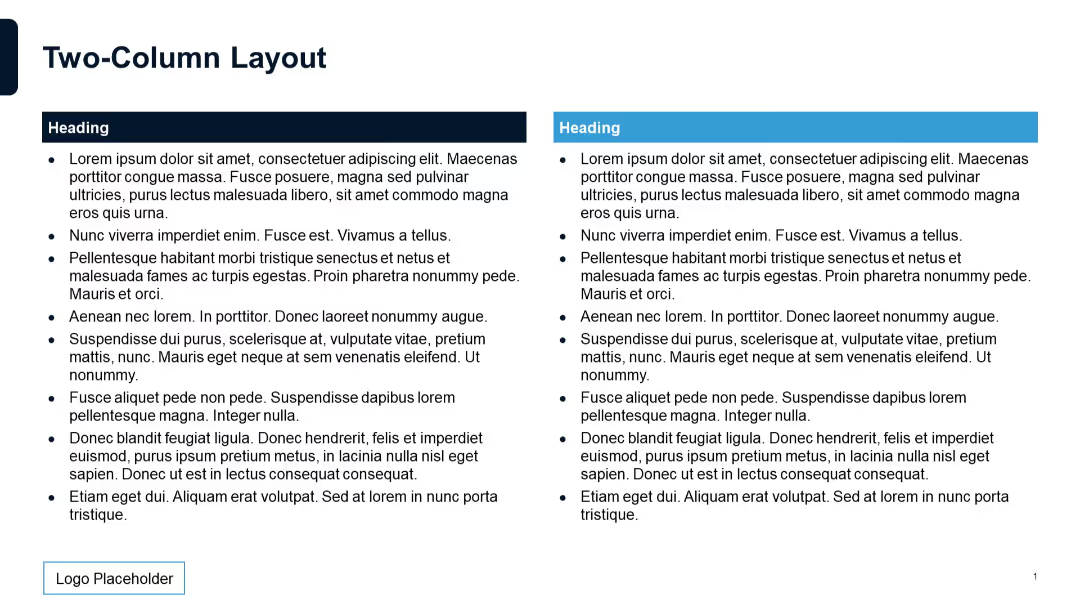
Two large columns with bold red headers. Subtitles are emphasized with strong color blocks above text areas.

PRO
Dual-column table list format with “Title” and “Slide No.” placeholders. Two tables placed side-by-side, separated by vertical spacing.

PRO
Horizontal bar chart on the left; bullet point list on the right; three-color series with value labels.

PRO
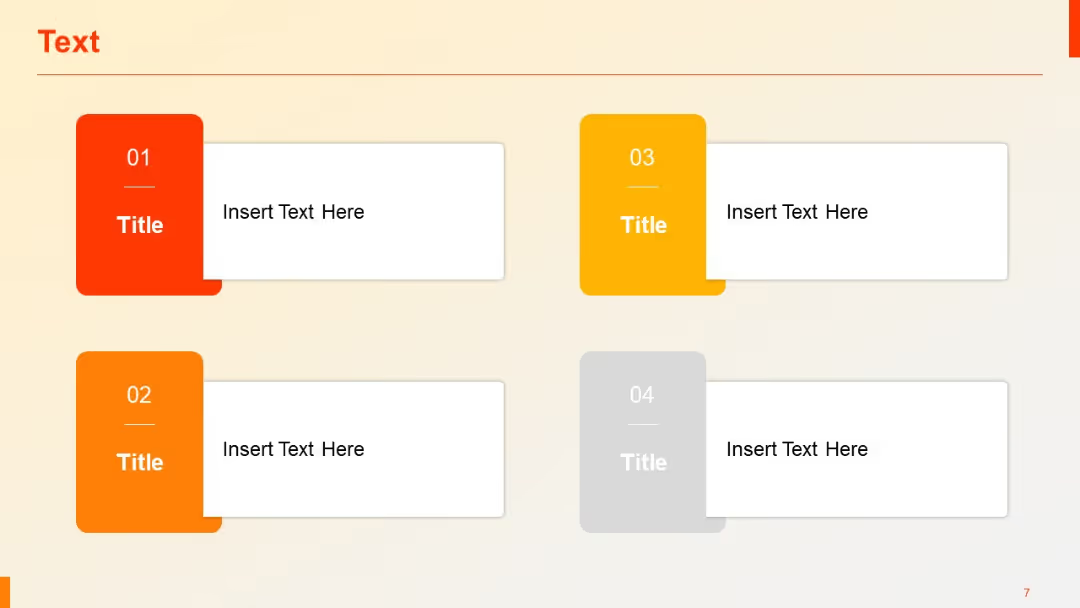
Grid-based layout with two major columns and multiple rows; each row uses left-aligned blue cells with corresponding content blocks to the right.

PRO
A radial diagram split into 8 colored wedges, surrounding a central circle labeled "Header." Text descriptions are placed outside each wedge.

PRO
Circular core shape with two external headers on either side; icons for lightbulb and code reflect idea and execution pairing.

PRO
Centered, bold quote box design with top header section and large quote body using rounded corners.

PRO
Combination chart with vertical clustered columns for Series 1 & 2 and a line graph for Series 3.

PRO
Three vertically connected blocks with flow arrows between them, each with an icon (monitor, thumbs-up, bulb) and bullet points to the right.

PRO
Vertical four-column layout with title and text placeholder for each SWOT category in color-coded boxes.
