





PRO
Split layout: waterfall chart on the left (vertical bars in varying shades) and standard horizontal bar chart on the right. Clean, minimal design.

PRO
Left sidebar in dark blue with vertical title text; three horizontal content boxes to the right with arrows pointing from title to text.

PRO
Vertical timeline with five points connected by a single line and checkmark icons on the left. Each point has placeholder text.

PRO
Section divider slide with large text "02 Graphic Slides" on a dark blue gradient background with wave graphics.

PRO
Vertical list layout with five text entries aligned right of a vertical line. A single large red circle at the top-left serves as a visual anchor.

PRO
Vertical bar chart on the left; bullet list on the right; three-color series; labels above each bar.

PRO
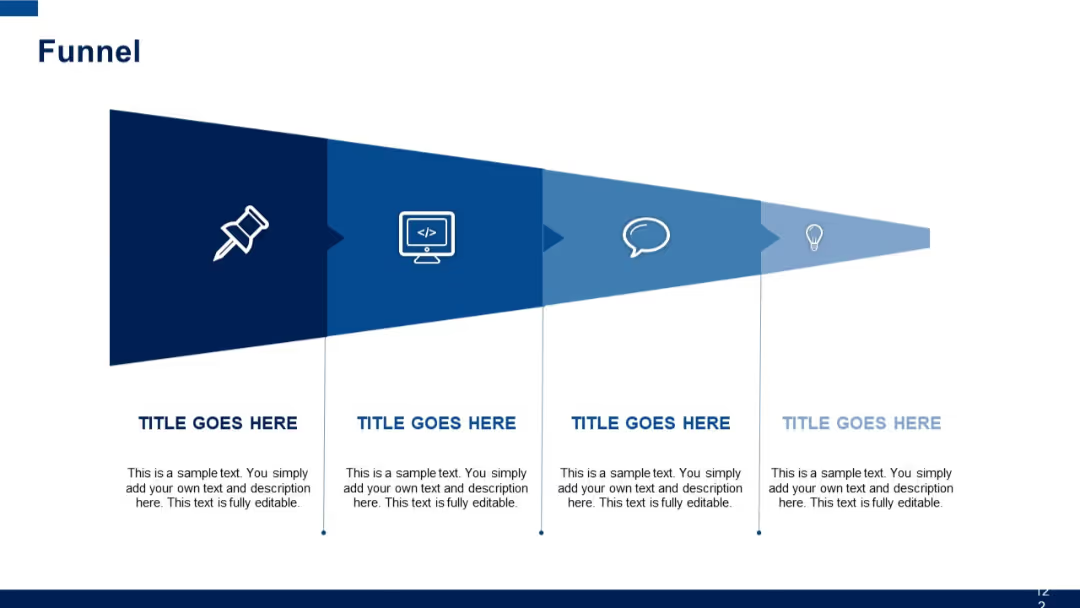
Four horizontal chevrons with associated text sections underneath.

PRO
Vertical timeline with blue icons and time slots on both left and right sides of the slide.

PRO
Simple slide with a two-tone color scheme (purple and white), large number "4", and the word "Others". Functions as a section divider or category marker.

PRO
Expanded tree diagram with five icons (lightbulb, rocket, thumbs up, computer, rocket); denser structure, larger central node for emphasis.

PRO
Two-column layout, each with a bold title and two checklist items below. Each item has a check icon. Navy accents and clean separation enhance readability.

PRO
One large quote section with a title bar above. Centered large quote box with stylized quotation marks and rounded edges.

PRO
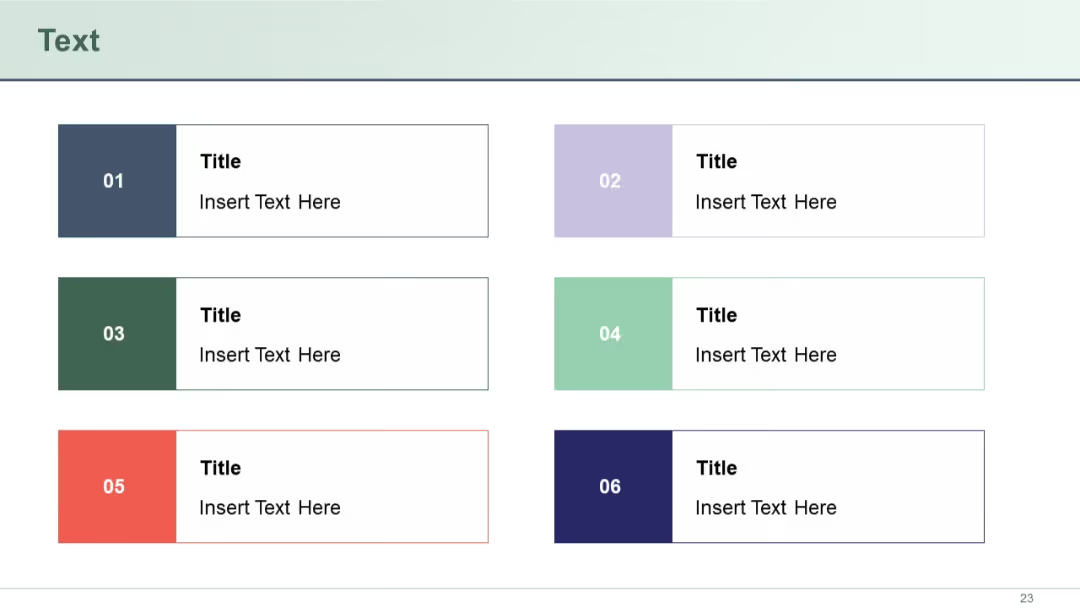
Agenda slide with grid layout (3x3). Each block labeled numerically (01 to 09) with bold āAgendaā title and placeholder text below.

PRO
Two vertical 100% stacked column charts side-by-side, where each column is normalized to 100% and divided into series segments.

PRO
White background grid layout filled with outlined vector icons in multiple rows, clean and minimalist with black thin-line icons.

PRO
Clean Gantt chart with timeline on horizontal axis. Two colored bars (green and purple) include title boxes above them. Legend at bottom.

PRO
2x4 grid layout combining colored title boxes and placeholders labeled "Image"; balanced alternation of image and text boxes across columns.

PRO
Left-aligned gear-shaped icons with numbers and titles followed by short descriptions in a vertical list.

PRO
Left: pie chart showing 1stā3rd quarter segments. Right: horizontal bar chart with logos and labeled bars stacked vertically.

PRO
Two-column comparison layout across two vertical sections; left and right columns each display a title, slide number, and multiple lines of content entries.

PRO
Seven-segment red donut chart with circular white labels on each outer point of the ring.

PRO
Left-to-right linear flowchart with four colored icon circles connected by arrows; text beneath each circle.

PRO
Side-by-side horizontal stacked bar charts: one in absolute values, the other in percentages. Uses three blue shades for series.

PRO
Semi-circle arc infographic with four segments surrounding a central circle labeled "Heading." Text boxes above and below each arc segment.

PRO
Two large header blocks in orange/yellow. Left column uses red blocks for row titles. Right-hand columns include bulleted placeholder items.

PRO
Split layout with left-side icons and titles, central bar chart (two series), and a lower pink block with an icon and additional content title.

PRO
Four-segment circular infographic with icons inside circle nodes, connected to rectangular text boxes on each quadrant. Color-coded in red to purple.

PRO
Left side is a waterfall chart; right side presents a stacked line chart with three data series across four categories.

PRO
Two top panels with a clustered column chart (left) and a pie chart with icons and arrows (right). Bottom section includes a data table with horizontal bar visualizations.

PRO
Four headers in a cross layout around a star-like central shape. Each corner has an icon with a text block.
