





PRO
Two Gantt bars with speech bubble-style labels over a light grid layout; minimalistic design.

PRO
A minimal tree diagram with two circular nodes (icons: lightbulb, computer monitor) extending from two branches; clean white background with purple accents.

PRO
Left-aligned vertical stacked bar chart with four categories. Right side has bulleted text. Minimalist layout with navy and white theme. Logo placeholder at bottom left.

PRO
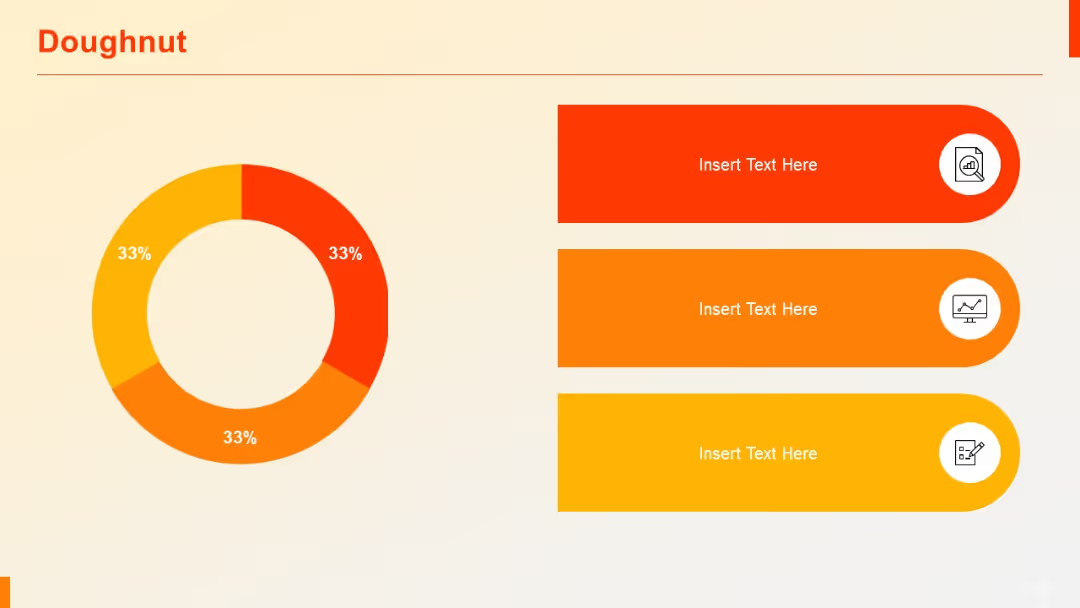
Horizontal bar chart on the left, doughnut chart on the right. Both use the same color scheme and category breakdowns.

PRO
Split-screen layout with “YES” in red and “NO” in yellow sections flanking a central human figure; text boxes under each side for explanation.

PRO
Grid format with five vertical columns and five horizontal sections; each cell contains bullet lists and text blocks.

PRO
A clean, evenly spaced grid of business, communication, and digital interaction icons including graphs, magnifiers, chats, and data charts.

PRO
Section divider slide with a large “02” and the subtitle “Quantitative Slides” over a blue gradient banner.

PRO
A dense feature comparison table with green checkmarks and red Xs across 7 columns. Only two rows are shown for contrast.

PRO
Four horizontal rows each with colored circular step numbers on the left and three content boxes in varying shades across.

PRO
Vertical stacked column chart showing cumulative values for three series across four categories. Distinct color coding for each series.

PRO
Four circle icons with device illustrations and corresponding text. Distributed across two rows in a grid format. Simple and minimal.

PRO
Four-column layout with colored headers (dark purple, lavender, pink, red), white background, and a red title bar.

PRO
Minimalist layout with two text boxes (subtitles) on either side of a blank white canvas; very basic structure.

PRO
Vertical process with three circular icons along a dotted line, aligned left. Bullet-point content block on the right side.

PRO
Four-column SWOT-style layout with circular progress bars and bullets

PRO
Similar to slide 14 but with four rows. Vertical table-like layout with blue header sections and right-aligned details.

PRO
Clustered horizontal bar chart with three series compared across four categories. On the right, four icon-labeled colored boxes serve as space for commentary.

PRO
Pie-chart style circle split into 4 equal quadrants labeled 01–04, with corresponding text boxes around it.

PRO
Timeline format with large vertical left marker and five horizontal rows of text entries. Purple highlight accent.

PRO
Four evenly spaced blocks with titles, headings, and detailed bullet points; alternating dark blue and light blue headers.

PRO
Horizontal checklist with four steps, each represented by a circle number and a colored path leading to a checklist icon. An illustration of a clipboard with a pen is on the right.

PRO
Horizontal bar chart comparing two values per item across six categories, each with labels. Uses green and red bars.

PRO
Matrix layout with icons on left and corresponding content in two adjacent boxes

PRO
Four tree illustrations growing in size from left to right. Each has space below for descriptive text. Simple and symbolic.

PRO
Hierarchical organization chart with dotted-line circular icons connected by straight lines. Top-down layout.

PRO
Left-aligned three-section layout with icons and headers (purple, lavender, pink) beside bullet points.

PRO
Semi-circle with 8 gradient-colored segments and icons. Each segment includes space for text. Central grey circle labeled “Insert Sub-heading.”

PRO
Left side features a large calendar icon; right side displays a standard 7-column (Sun–Sat) by 6-row grid calendar with placeholder text "XX".

PRO
Four-row, five-column table. First column contains bold purple boxes as row headers; remaining cells are placeholders. Uniform structure.
